

⚠️ There are two types of capacity for the T2 chip: 1GB and 2GB.
- A 1GB T2 chip can handle 128GB, 256GB or 512GB of NAND storage.
- A 2GB T2 chip can handle 1TB, 1.5TB in NAND.
If you want to upgrade from 128GB, 256GB or 512GB storage to 1TB, 1.5TB , you need to replace the T2 1GB chip with a T2 2GB chip.
📌 NAND chip installation
- Remove all original NAND chips .
- Turn on and check the voltages:
- PP1V8_SSD0 AND PP1V8_SSD1 = 1.8V
- PP0V9_SSD0 AND PP0V9_SSD1 = 0.9V
- PP2V5_NAND_SSD0 AND PP2V5_NAND_SSD1 = 2.5V
- If the voltages are correct, install the new NANDs in the order indicated on the chips: U8600, U8700, U8800, ...
👉 Respecting the order of the chips is crucial to avoid system errors.
COMPATIBILITY:
MacBook Air 13"
Model: A1932
Year: 2018 TO 2019
PPN: HYNIX H23QFG82D6ADQ, H23Q1T83G6ADQ, TOSHIBA TSB4226, TSB4227, TSB4232
APN: U8600, U8700, U8800, KLAFGAKWCM-E0T2, S4E<0>, 335S00273, 335S00289, 335S00301, 335S00290, 335S00302, 335S00292, 335S00304, 335S00323, 335S00324, 335S00326, 335S00322, 335S00373, 998-12416, 998-12417, 998-12418, 998-12419, 998-12422, 998-12423
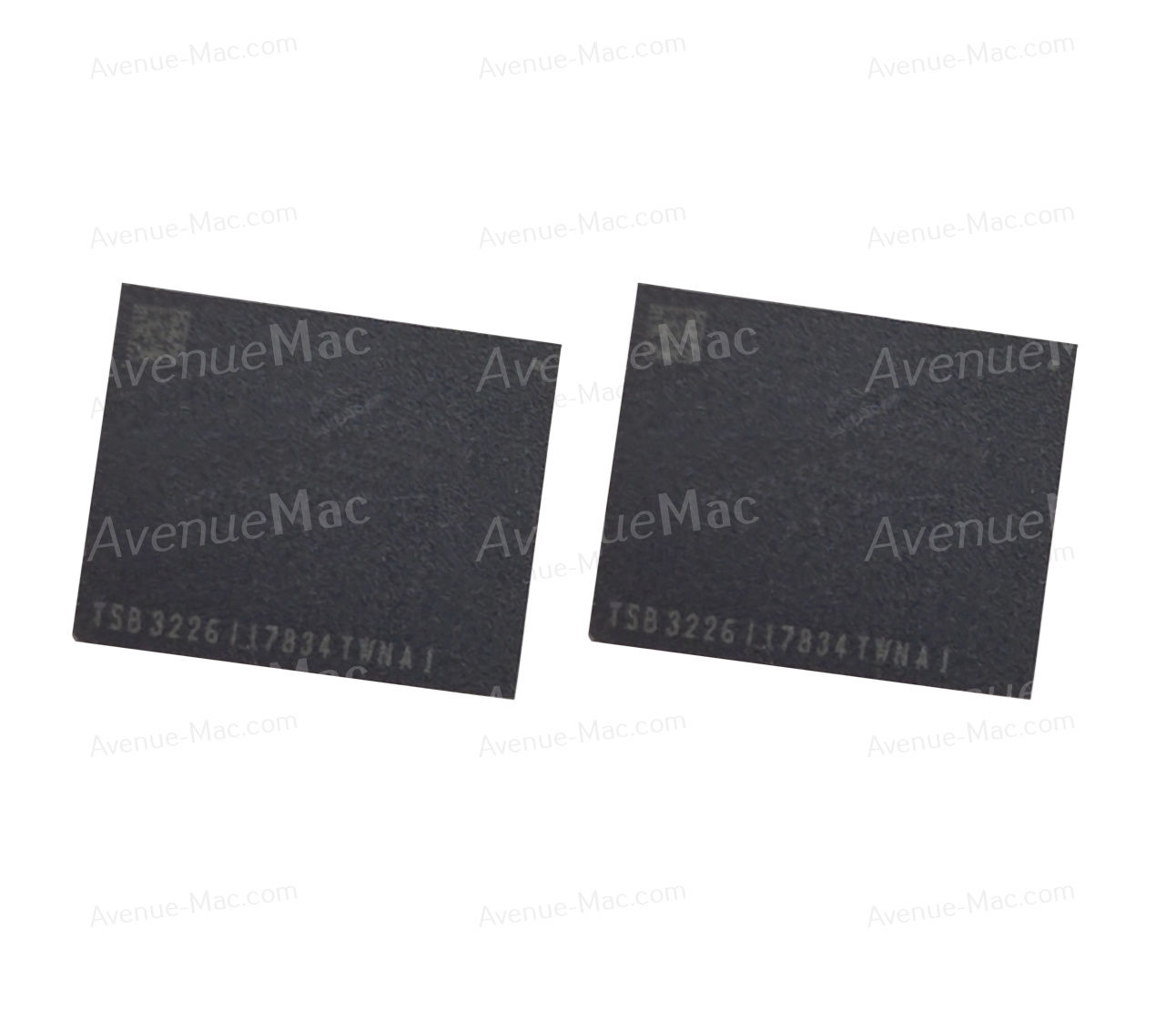
IC CHIP NAND SSD 128GB 256GB 512GB 1TB 1.5TB FOR MACBOOK AIR 13" A1932
From €79.90Sale Price
Out of Stock


